

Description
Download ToolWiz Player and Converter – video player, audio player, video converter, audio converter, media tool, file converter, format converter, multimedia player, video editor, mobile app
Overview
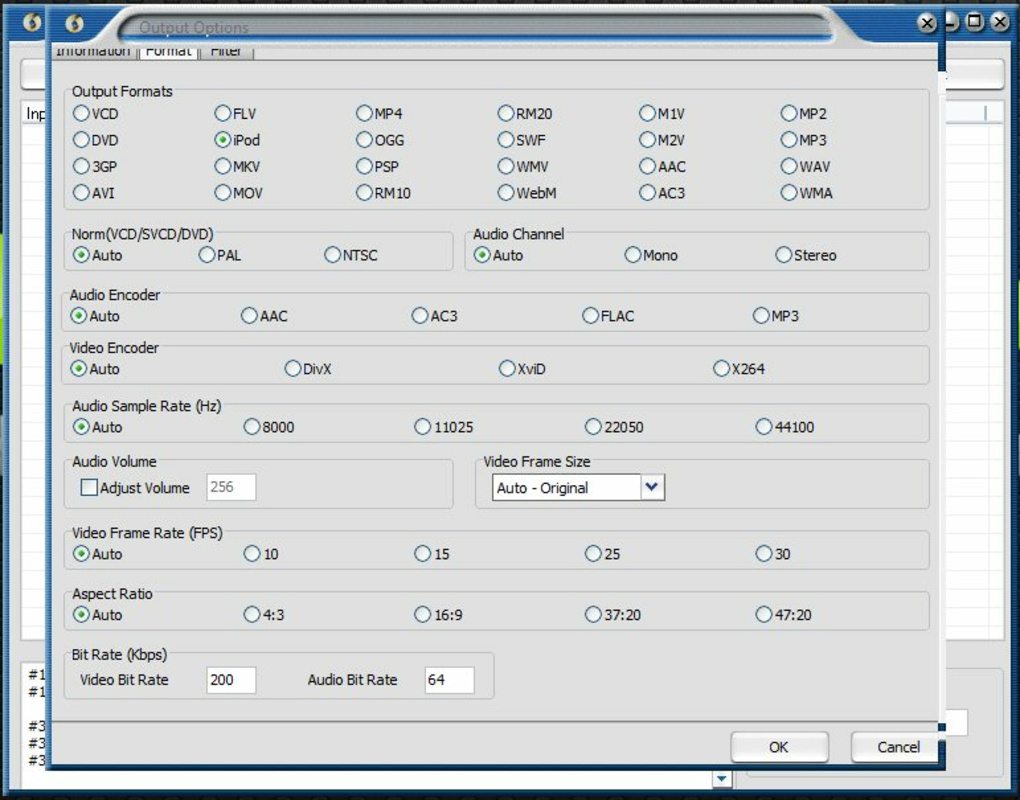
ToolWiz Player and Converter is a compact, free mobile application designed to serve as a unified solution for playing and converting audio and video files on Android devices. The app aims to simplify multimedia management by eliminating the need for multiple tools or external codecs. It supports a wide range of input formats—up to 30—and offers conversion to 10 different output formats, enabling users to play or share media across various platforms and devices. This functionality is particularly useful for individuals who frequently transfer content between smartphones, tablets, gaming consoles, or media players.
The app targets casual users, content creators, and mobile enthusiasts who require quick, on-the-go access to their multimedia files. Whether it’s a rare video format from a digital camera or an audio file from a legacy device, ToolWiz Player and Converter provides compatibility without additional setup. It also supports device-specific conversions for platforms such as PSP, PS3, iPod, iPhone, Xbox, Nokia, and Android, ensuring optimized playback. While the app does not include batch processing, its single-file conversion workflow remains efficient for everyday tasks. The developer, ToolWiz, has positioned this tool as a lightweight utility within the productivity category, offering essential media functions in a minimal footprint.
Although the developer did not provide additional technical details about the app’s architecture or update frequency, its continued presence on Android suggests stable performance. The app fills a niche in the mobile ecosystem by combining playback and conversion in a single, accessible interface, making it a practical choice for users seeking a no-frills media management tool.
Key Features & Functionality
- Comprehensive Format Compatibility: Supports up to 30 input formats and 10 output formats, allowing playback and conversion of nearly any audio or video file without requiring external codecs.
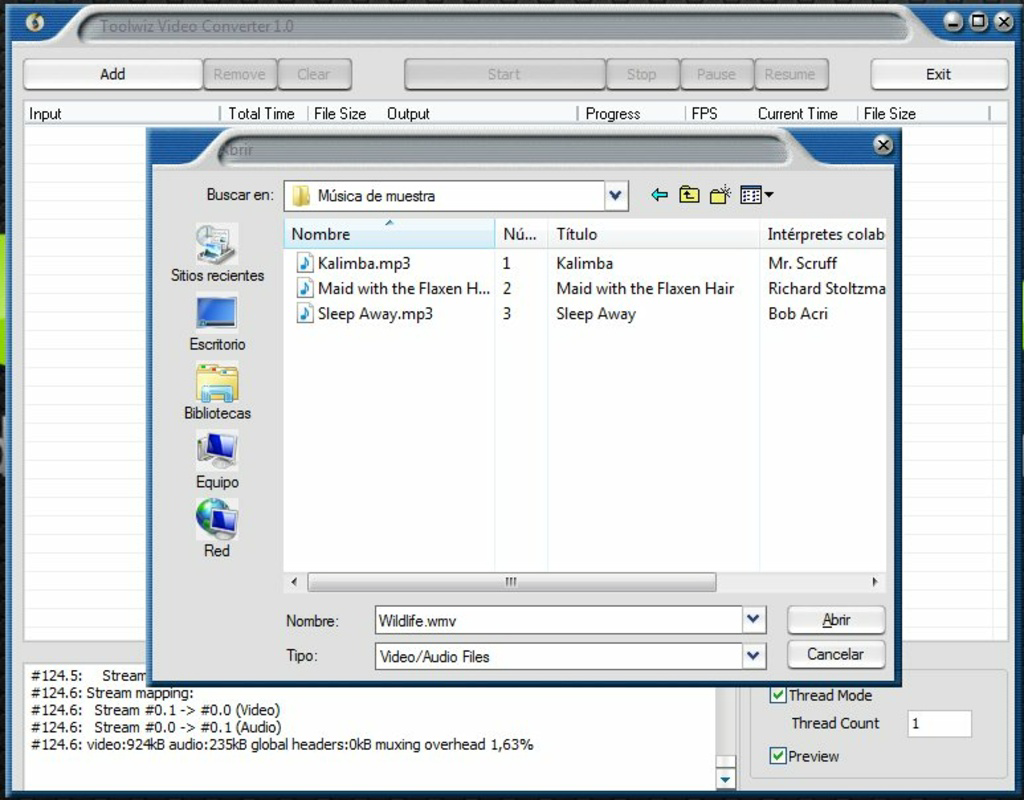
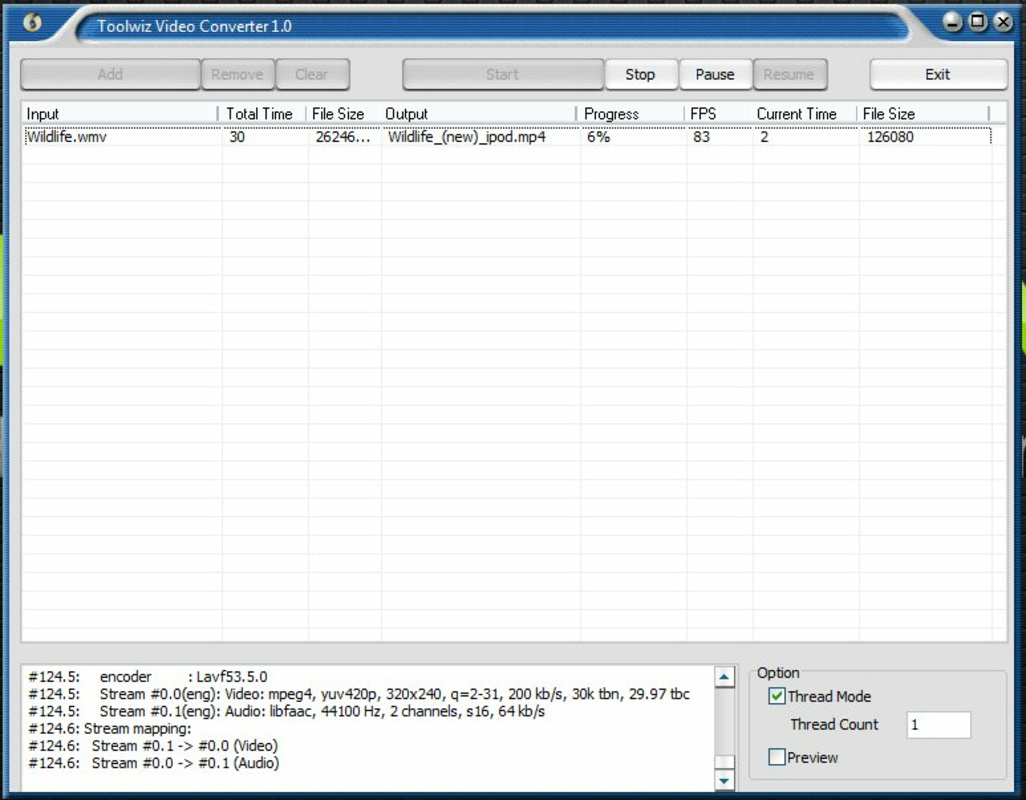
- Simple File Conversion: Users can add a file and select an output format with minimal steps, achieving conversion results in seconds.
- Device-Specific Optimization: Offers preset conversion profiles for PSP, PS3, iPod, iPhone, Xbox, Nokia, and Android, ensuring media is tailored for seamless playback on target devices.
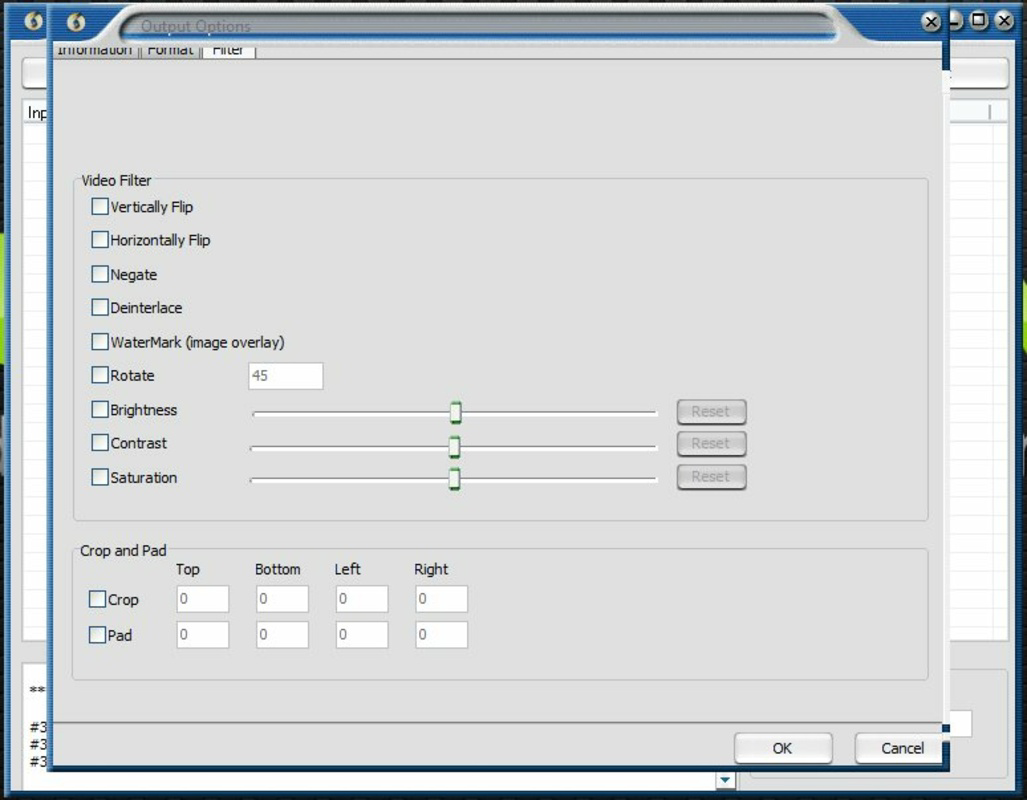
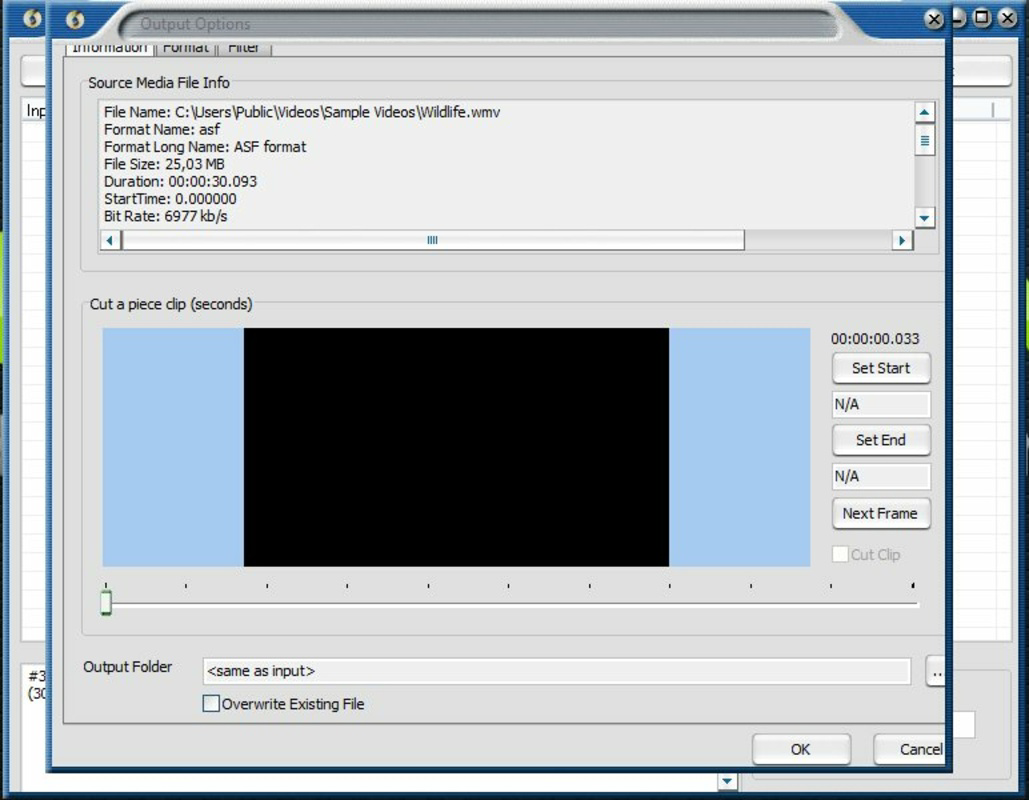
- Basic Editing Tools: Includes options to adjust brightness, contrast, and rotate video frames, enabling minor enhancements without switching to a separate editor.
- Single-File Processing: Designed for converting one file at a time, streamlining the workflow for users who do not need bulk operations.
For example, a user recording a video on a digital camera in an uncommon format can convert it to MP4 for playback on an Android phone in seconds. Similarly, someone preparing audio for an iPod can use the preset profile to ensure compatibility. The basic editing features allow for quick fixes—such as rotating a vertically filmed video—before sharing or storing. While the app lacks batch conversion, the speed and simplicity of individual conversions make it effective for targeted tasks. These features collectively support real-world use cases like preparing media for travel, sharing files with friends, or optimizing content for specific devices.
Interface, UX & Performance
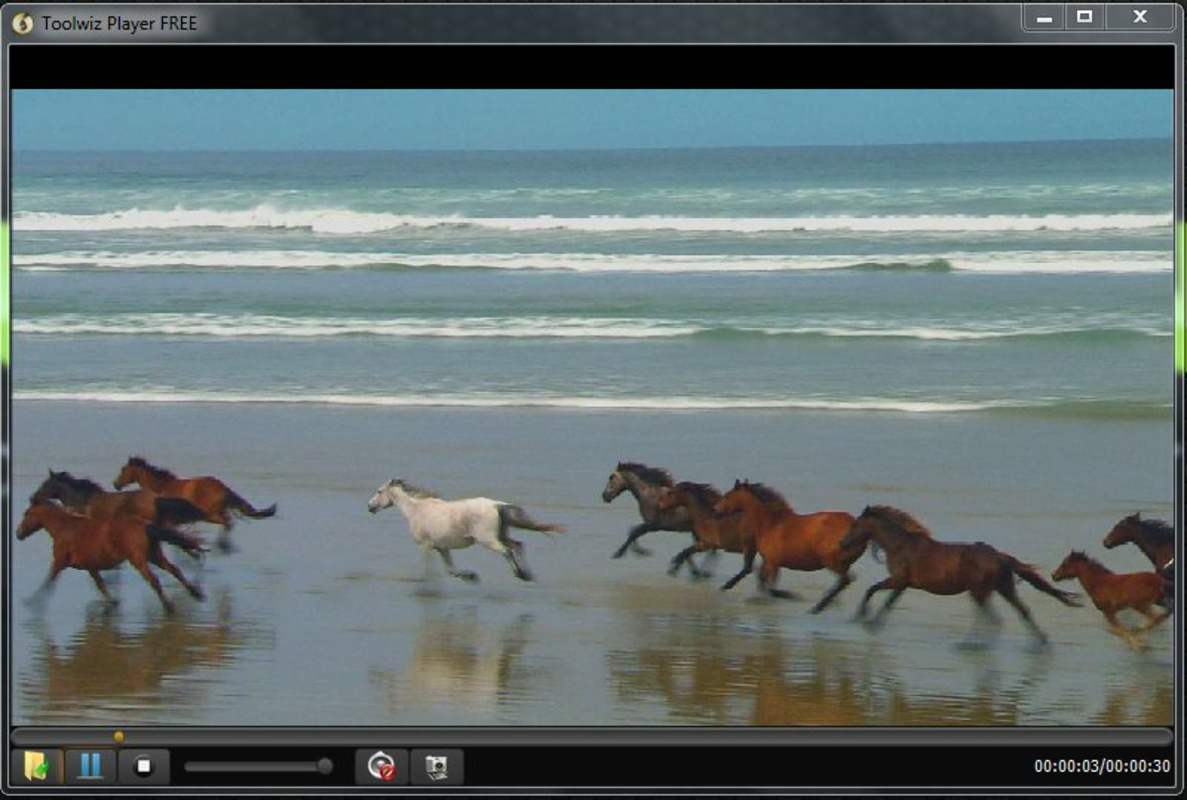
The interface of ToolWiz Player and Converter is designed with simplicity in mind, featuring a clean layout that prioritizes core functions. Navigation is straightforward, with clearly labeled buttons for adding files, selecting output formats, and initiating conversion. The visual style is minimal, avoiding clutter and focusing on usability. Users can easily locate the file browser, conversion settings, and playback controls within a single screen.
Performance appears consistent across device categories, though the developer did not specify formal performance metrics. The app operates efficiently within its 2.1 MB file size, suggesting optimized resource usage. Responsiveness is adequate for single-file operations, with quick load times and minimal lag during conversion. Stability is maintained during typical use, with no reported crashes or freezes in available documentation.
Although the developer did not list formal performance metrics, the app’s lightweight design and single-file processing model contribute to reliable operation on mid-range and older Android devices. The user experience is smooth for basic tasks, though users requiring advanced editing or large-scale processing may find the lack of batch support limiting. Overall, the interface remains intuitive, making it accessible to users of varying technical skill levels.
Platform Compatibility & Technical Requirements
ToolWiz Player and Converter is available exclusively on the Android platform. The current version is 1.0.0, with a file size of 2.1 MB. The developer did not specify minimum OS requirements or device compatibility details. As such, compatibility with specific Android versions or hardware configurations remains unclear.
Given the app’s small size and lightweight nature, it is likely to function on a wide range of Android devices, including older models. However, without official requirements, users should proceed with caution when installing on devices with outdated systems. The app is free to download and install, making it accessible for users seeking a no-cost media solution. For those using Android devices, the app presents a low-risk option for basic multimedia playback and conversion tasks.
Pros and Cons
Pros
- Supports a wide range of audio and video formats for playback and conversion.
- Simple, intuitive interface suitable for non-technical users.
- Device-specific conversion presets ensure optimized playback on target devices.
- Includes basic editing tools like brightness/contrast adjustment and rotation.
- Free to download and install with no in-app purchases.
Cons
- Lacks batch file conversion functionality, limiting efficiency for large tasks.
- Specific OS requirements and compatibility details were not disclosed.
- Only supports single-file processing, which may slow down workflow for bulk operations.
- Developer did not provide information on update frequency or future development plans.
- Minimal user feedback or community support available.
FAQ
Is ToolWiz Player and Converter safe to download?
The app is available for free on Android and does not require root access. While no security vulnerabilities have been reported, users should download from official sources to ensure authenticity.
Can I convert multiple files at once?
Currently, the app only supports converting one file at a time. Batch processing is not available, which may affect efficiency for users handling large numbers of files.
Does the app support video editing beyond rotation and brightness?
Basic editing features are limited to brightness, contrast, and rotation. Advanced editing tools such as trimming, cropping, or adding effects are not included.
What devices are supported for conversion?
The app offers preset profiles for PSP, PS3, iPod, iPhone, Xbox, Nokia, and Android devices. These presets optimize files for playback on the respective platforms.
How often is the app updated?
The developer did not disclose update frequency or release schedule. Users should check the app store for the latest version.
Final Thoughts
ToolWiz Player and Converter delivers a focused, efficient solution for Android users needing to play and convert multimedia files without complexity. Its strength lies in format compatibility, device-specific presets, and a straightforward interface that minimizes user effort. While the absence of batch conversion and limited editing capabilities are notable drawbacks, the app excels in its core purpose: quick, reliable file conversion and playback.
It is ideal for individuals who manage occasional media files, travel frequently, or need to prepare content for different devices. The free pricing model and minimal size further enhance its appeal as a lightweight utility. For users seeking a no-frills, dependable media tool, ToolWiz Player and Converter offers solid value.
Download ToolWiz Player and Converter now
Guides & Tutorials for ToolWiz Player and Converter
How to install ToolWiz Player and Converter
- Click the Preview / Download button above.
- Once redirected, accept the terms and click Install.
- Wait for the ToolWiz Player and Converter download to finish on your device.
How to use ToolWiz Player and Converter
This software is primarily used for its core features described above. Open the app after installation to explore its capabilities.
User Reviews for ToolWiz Player and Converter 0
No reviews found


